
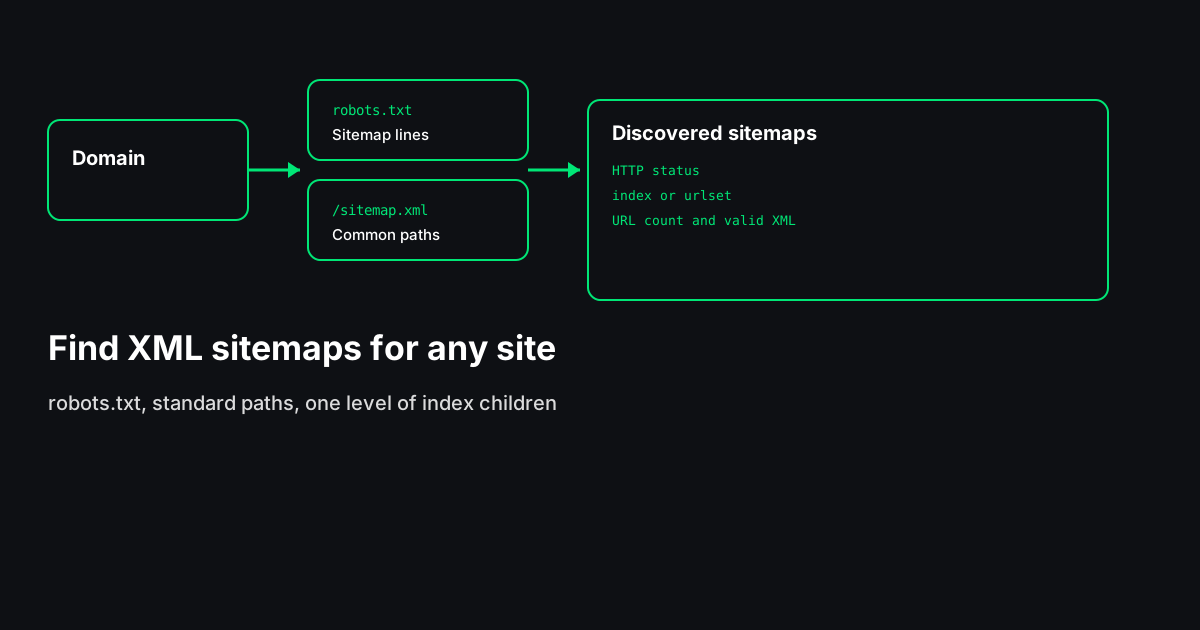
You need the XML sitemap before you can audit URLs inside it, submit the right file in Search Console, or compare staging to production. Guessing /sitemap.xml works on many WordPress and Shopify stores — until it does not. The reliable order is: robots.txt, common paths, then sitemap index children.
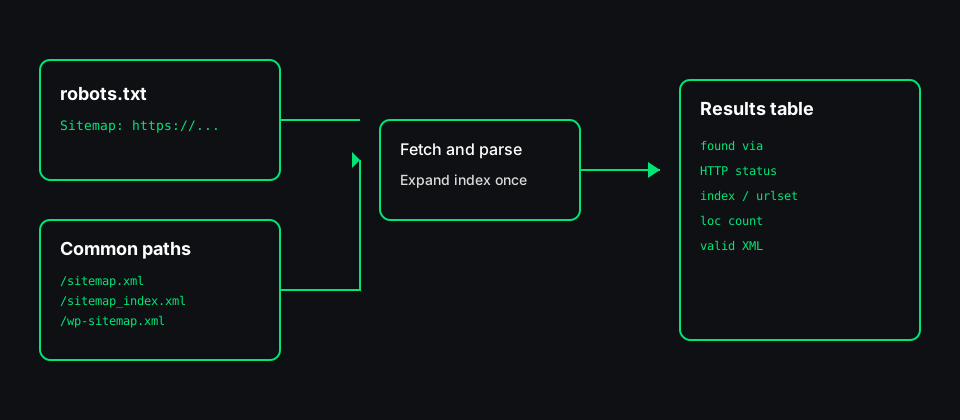
The Sitemap Finder on Scrawl automates that sequence from our servers: it reads Sitemap: lines in robots.txt, probes standard paths (/sitemap.xml, /sitemap_index.xml, /wp-sitemap.xml, and others), and follows one level of sitemap index files. Each result row shows the URL, how it was found, HTTP status, index vs urlset type, <loc> count, and whether the body parsed as valid sitemap XML. It does not check every page URL inside the file.
Start with robots.txt
Fetch https://your-domain/robots.txt and look for lines like:
Sitemap: https://www.example.com/sitemap_index.xmlGoogle's robots.txt documentation treats these lines as discovery hints for sitemaps. A site can list multiple sitemap URLs, including files on another host (for example a CDN). Each URL must be absolute.
Manual check:
curl -s https://www.example.com/robots.txt | grep -i sitemapIf robots.txt is missing or returns an error, continue with common paths — many sites still publish /sitemap.xml without a robots line.
Common sitemap paths to probe
When robots.txt is silent, these paths are worth a HEAD or GET (Scrawl uses GET with a size cap):
| Path | Typical stack |
|------|----------------|
| /sitemap.xml | Generic default |
| /sitemap_index.xml | Yoast, many custom builds |
| /sitemap-index.xml | Hyphen variant |
| /wp-sitemap.xml | WordPress core sitemaps |
| /post-sitemap.xml | Split urlsets (plugins) |
| /page-sitemap.xml | Split urlsets (plugins) |
| /sitemap/sitemap.xml | Nested folder installs |
| /sitemap.xml.gz | Compressed sitemap |
A 404 on one path does not mean the site has no sitemap — it may only expose an index under another name.
Sitemap index vs urlset
Open the XML (or let the finder parse it):
- `<sitemapindex>` — contains
<sitemap><loc>…</loc></sitemap>pointing at other sitemap files. Fetch those children next. - `<urlset>` — contains
<url><loc>…</loc></url>page URLs.
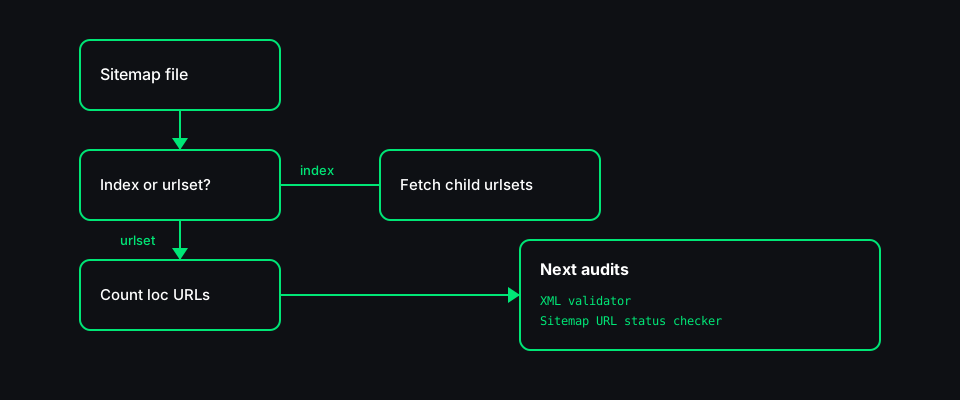
For indexes, one expansion pass is usually enough: fetch the index, then fetch each child urlset listed inside. Deeper nesting is rare; if you hit it, repeat manually for the nested index only.
Manual workflow (no tool)
curl -sI https://domain/sitemap.xml— note status andContent-Type.- Read robots.txt Sitemap lines.
- If the file is an index,
curleach child<loc>. - Confirm the XML declares the sitemap protocol namespace.
- Pass urlsets to your audit tool or Search Console.
After you find the sitemap
| Goal | Next step |
|------|-----------|
| Syntax and namespace | XML Sitemap Validator |
| Status codes on listed URLs | Sitemap Errors Checker |
| robots.txt crawl rules | Robots.txt Tester |
| Bulk URL list from Search Console | Bulk Status Checker |
Honest limits
- Authentication — Sitemaps behind login or IP allowlists may not be visible to an external fetcher.
- JavaScript — Sitemaps generated only in the browser are not discoverable from static HTTP probes.
- Cross-origin — robots.txt may point at another host; that URL must be reachable and safe to fetch.
- Scope — Finding the file is not the same as proving every
<loc>returns 200.
Paste a domain into the Sitemap Finder, export the table if you need a paper trail, then move to validation and URL-level audits on the files you care about.