
Schema Checker Extension: 4 Best Options for Chrome in 2026

The best schema checker extension depends on whether you need to read markup, validate it, or build it. For most people on Chrome, Fast Schema Markup Checker is the quickest on-page check. Schema Builder suits anyone who also writes markup, and the SMV extension suits anyone who trusts the official schema.org validator. If you would rather install nothing, Scrawl's browser-based Schema Checker covers JSON-LD and Microdata in a single tab.
Checking schema by viewing source and scanning JSON is slow. One missing comma or a wrong property type can quietly cost you rich results, and you only notice weeks later. A good extension puts the check one click away on any page you are already looking at. This article compares four options, then shows how to vet an extension's permissions before you install it.
Scrawl is the free SEO toolkit behind this blog, so I list its schema tools first and label them honestly as not an extension. I describe the extensions from their public store listings. Check the current listing for price, permissions, and update history before you install.
1. Scrawl Schema Checker and Bulk Schema Checker
Scrawl is not an extension, but it is the right pick when you cannot or will not install one. It runs in any browser tab with no install, no login, and no account.
What it does
The Schema Checker takes one URL or pasted JSON-LD and parses JSON-LD and Microdata against schema.org definitions. It does not read RDFa. Three tools cover most schema work:
- Schema Checker: one URL or a pasted snippet, with errors and warnings listed.
- Bulk Schema Checker: JSON-LD on up to 50 URLs, one per line, with schema types, errors, and warnings in one table. The Export CSV button downloads
bulk-schema-check.csv. - Structured Data Generator: form-based JSON-LD for Article, BlogPosting, Product, LocalBusiness, FAQPage, HowTo, BreadcrumbList, Event, and more.
Who it suits
It suits agencies and consultants who audit many pages at once. It also fits anyone on a locked-down work or client machine, and anyone wary of what an extension can read. The tools are free to use. The generator gives small site owners a validated starting point instead of hand-written JSON.
What to watch for
You paste a URL instead of clicking while you browse, so it is slower for a single page you are already viewing. Every Scrawl tool page lists its limits, so check whether the tool you use renders JavaScript before you trust a clean result on a script-heavy site.
When you have 50 pages to check, one table beats 50 extension clicks.
2. Fast Schema Markup Checker by Vryse SEO
Fast Schema Markup Checker is the most direct answer to "give me a schema checker Chrome extension." Its Chrome Web Store listing describes it as built to analyze and validate schema markup directly in your browser.
What it does
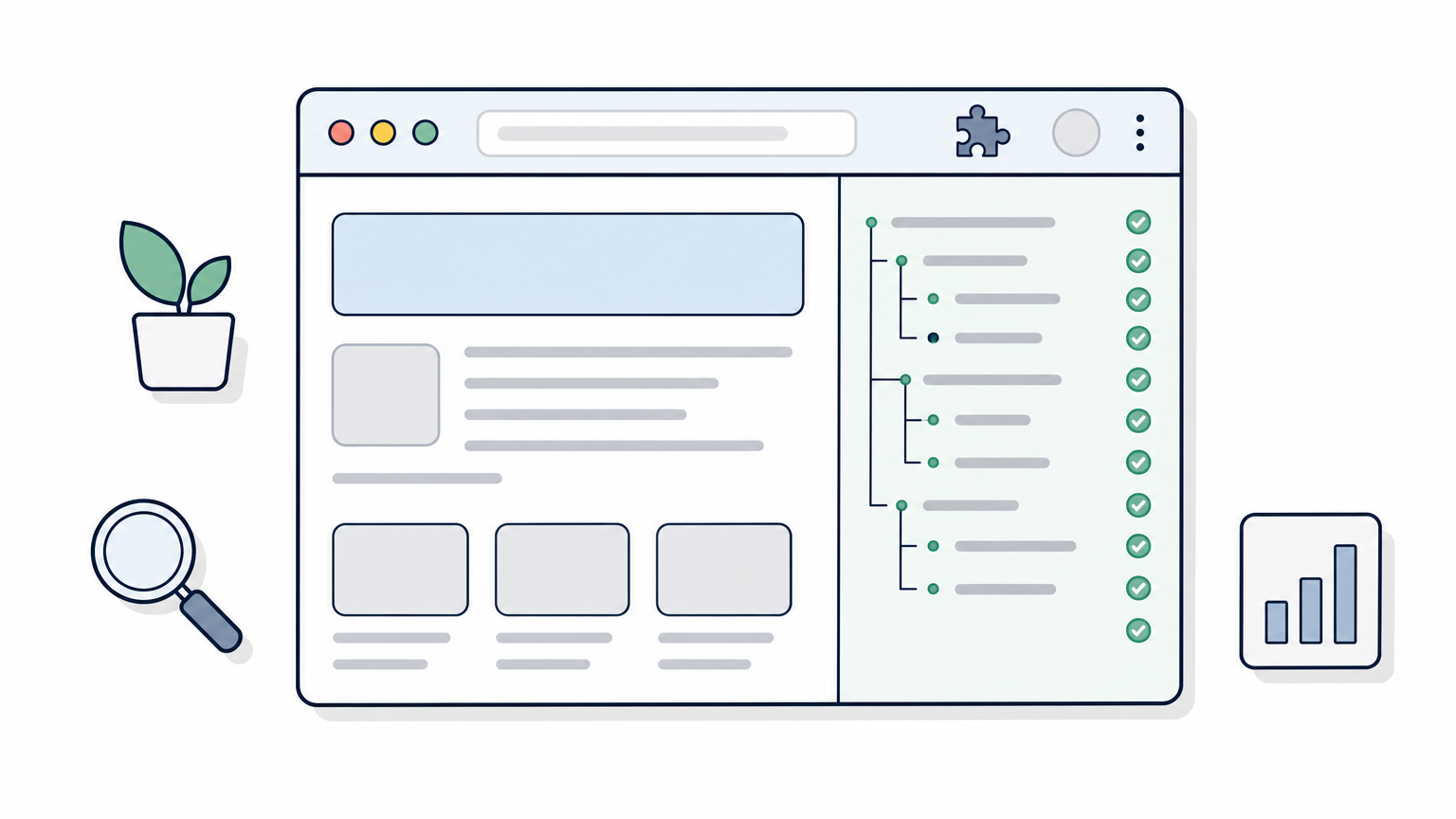
Because it lives in the browser, it reads the page as you see it. That includes staging sites and pages behind a login, which public web validators often cannot reach. You open a page, click the icon, and review the structured data it found.
Who it suits
It suits editors and SEOs who review page after page and want a fast pass or fail before publishing. If your routine is "open the page, glance at the schema, move on," this fits that rhythm better than a web tool that needs a copied URL.
What to watch for
Read the listing for the permissions it asks for, the date of the last update, and which markup formats it parses. Not every extension reads Microdata and RDFa as well as JSON-LD. Run one page you know has an error through it first, so you learn whether it flags problems or only lists what it found.
A checker you have never fed a broken page is a checker you have not tested.
3. Schema Builder for Structured Data
Schema Builder for Structured Data is the pick when you write markup yourself. Its listing says it detects existing structured data automatically and includes a built-in testing tool that shows errors and warnings.
What it does
You get detection, testing, and building in one extension. You can inspect what a page already ships, then adjust or create markup and test the result without bouncing between tabs. This makes it a schema validator Chrome extension with a builder attached.
Who it suits
It suits site owners, bloggers, and developers who add markup by hand and want a tight edit and test loop. If a WordPress plugin generates your schema, still run the live page through a checker after every plugin update, because plugin output changes.
What to watch for
Tools that build and test make it tempting to copy generated markup without thinking. Markup must match what visitors actually see on the page, such as real prices, real reviews, and real FAQs. Check the store listing for current pricing, since I cannot vouch for it.
A builder only helps if the markup describes what is really on the page.
4. SMV extension by Break the Web
The SMV extension is the lightest option here. According to its listing, it opens your current page in the Schema Markup Validator with one click. It does no validating itself.

What it does
The Schema Markup Validator at validator.schema.org checks generic schema.org syntax and types. Google's own documentation points to the Rich Results Test for seeing what Google results a page can produce, and to the schema markup validator for generic validation. You need both for a full picture, because valid schema.org markup is not the same as eligibility for a Google feature. See Google's structured data documentation for the supported types.
Who it suits
It suits people who want the official schema.org result without copying URLs, and who prefer a small extension with a narrow job. It is also a sensible choice if you want minimal code running in your browser.
What to watch for
The validator loads the page itself, so staging servers and login-protected pages may not work. For those, paste the code into the validator or use an extension that reads the page in your browser, as in options 2 and 3.
Valid schema.org markup and Google rich result eligibility are two different tests.
How to choose and vet a schema checker extension
Pick the tool that matches your habit. Use an on-page extension for one-off reviews, a bulk web tool for audits, and the official validators for a final check. Then vet any extension before you install it.
Side-by-side comparison
| Option | Type | Best for |
|---|---|---|
| Scrawl Schema Checker | Web tool, no install | Single URLs, snippets, and bulk JSON-LD audits |
| Fast Schema Markup Checker | Chrome extension | Quick on-page analysis and validation |
| Schema Builder for Structured Data | Chrome extension | Detecting, building, and testing markup |
| SMV extension | Chrome extension | Opening the page in the schema.org validator |
| Detailed SEO Extension | Chrome extension, listed as free | Viewing structured data on the current page |
| Schema Markup Checker | Firefox add-on | Checking and suggesting markup in Firefox |
How to vet an extension before installing
Extensions can read the pages you visit, so treat installation as a trust decision. Before you click Add to Chrome:
- Confirm the publisher and open their website or developer page.
- Read the permissions. A checker that wants to read and change data on all sites needs a good reason.
- Check the last update date. Schema guidance changes, and an abandoned extension goes stale.
- Skim recent reviews and the user count, not just the star rating.
Which one to pick
If you review pages all day, install Fast Schema Markup Checker. If you write markup, pick Schema Builder. If you only want the official verdict, use the SMV extension. If you audit sites for clients, use Scrawl's bulk tool. Schema still matters, but Google has pared back some rich results, such as FAQ and HowTo. Confirm that a type still earns a feature before you invest in it.
Choose the extension for your daily habit, and keep one bulk tool for audits.
Pick one check and make it routine
A schema checker extension earns its place when it makes checking so easy that you do it on every page you publish or edit. For one-click on-page checks, use Fast Schema Markup Checker or Schema Builder. For the official verdict, use the SMV extension. For audits and for machines where you cannot install anything, use a browser-based bulk tool.
Whatever you choose, test it on a page you know is broken, vet its permissions, and confirm your final markup in Google's Rich Results Test. If you want a no-install option today, try the free Schema Checker at Scrawl and run your most important page through it.