
3 PageRank Checker Chrome Extension Options Compared

A pagerank checker chrome extension can no longer show you Google's real PageRank, because Google stopped publishing toolbar PageRank in 2016. What these tools show now is a third-party estimate of authority. The best pick depends on how you work. Open SEO Stats suits you if you want a number in the toolbar while you browse. Scrawl's PageRank Checker suits you if you want a quick check without installing anything. Google Rank Checker suits you if you really want to track your own rankings.
That mismatch is why this search is confusing. Old guides still describe the green toolbar bar, and listings use names like PageRank Status. Some tools that sound similar measure something else entirely. You can end up installing an extension before you know what its number means.
This article compares three options that work in Chrome. For each one you get what it measures, who it fits, and where it falls short. Scrawl publishes this blog, so its tool comes first, and I say plainly that it is not an extension. A closing section shows how to read the score and vet an extension before you install it.
1. Scrawl Google PageRank Checker
Scrawl's Google PageRank Checker is a free web tool, not an extension. You paste a URL and get a PageRank-style score based on Open PageRank data. It works in any Chrome tab with nothing to install.
What it does
You open the tool, enter a domain or URL, and see the result in seconds. The score comes from Open PageRank, an independent dataset, so it is an estimate and not a number from Google.
Because it is not an extension, it needs no permission to read the pages you visit. Bookmark it in Chrome and it behaves like a one-click checker.
A web tool gives you the same estimate as an extension without handing a browser add-on access to every page you open.
Who it suits
This option fits people who check authority now and then rather than on every page they browse.
- Freelancers and agency staff vetting a prospect's or a link target's domain.
- Site owners who want a quick read on their own domain.
- Anyone who is wary of installing browser add-ons.
Cost and limits
It is free, with no login, no signup, no credit card, and no rate limits. Scrawl does not keep the URLs after a request finishes.
The limits are clear. You paste each URL yourself, so you get no overlay while you browse. Scrawl also does not sell a backlink index, so this is a score and not a link report.
2. Open SEO Stats
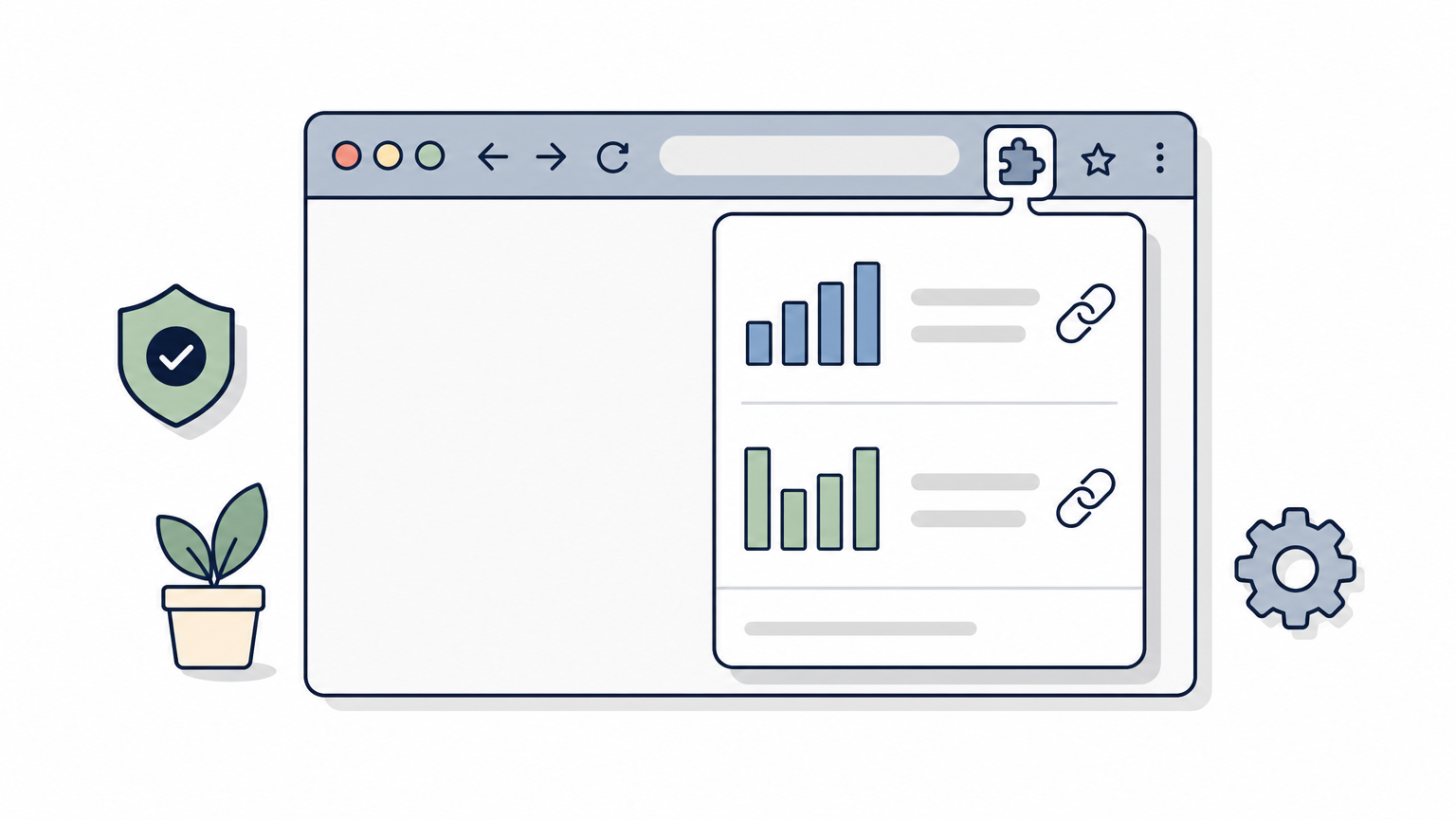
Open SEO Stats, formerly called PageRank Status, is the closest thing to the old toolbar. It is a Chrome extension that puts SEO stats for the current page one click away.
What it does
The Chrome Web Store listing describes it as a way to see web rank and SEO stats for the page you are on. It also covers indexed pages, cached pages, and link information. Write-ups of the extension add a PageRank value and backlink data to that list.
Because it was renamed, older tutorials and download pages still call it PageRank Status. Search both names when you hunt for reviews.
The extension earns its place by showing numbers while you browse, not by showing numbers Google would recognize.
Who it suits
It fits people who look at many sites in a session and want the data in the toolbar.
- Link prospectors who scan dozens of domains in an hour.
- Competitor researchers comparing several sites side by side.
- Beginners who like seeing indexed pages and link counts in one place.
Cost and limits
Check the store listing for the current version, user reviews, and the permissions it requests. The pricing and permissions can change, so do not trust an old review.
The main limit is the meaning of the number. Google does not publish PageRank, so any PR value is a vendor's estimate. Use it to compare sites against each other, not as a verdict on one site.
3. Google Rank Checker
Google Rank Checker is a different kind of tool that shows up in the same searches. It is a Chrome extension for watching where your own site ranks on Google, not for reading a site's authority score.
What it does
The Chrome Web Store describes it as a free extension that gives real-time insight into your website's ranking on Google. After you install it, you add your favorite websites to a list.
That makes it a rank tracker, not a PageRank checker. It tells you how you perform. It does not tell you how strong another site looks.
If you typed "pagerank" but meant "where do I rank," this is the extension you want.
Who it suits
It suits people who care about their own positions.
- Site owners tracking a handful of their own domains.
- Bloggers who want a quick look at their visibility without opening a suite.
Cost and limits
It is listed as free. It will not score other people's domains the way a PageRank-style checker does. For official search data on your own site, Google Search Console remains the reference source, so treat the extension as a convenience.
How to choose and what the score means
Pick based on what you need to see: a toolbar number, a one-off check, or your own rankings. Whatever you pick, read the score as a rough guide, because Google no longer publishes the real thing.
Side-by-side comparison
The table sets the three options against each other so you can match one to your task.
| Option | Type | What it shows | Install needed | Best for |
|---|---|---|---|---|
| Scrawl PageRank Checker | Web tool | Open PageRank-based score for a URL | No | Quick checks, bookmarking |
| Open SEO Stats | Chrome extension | Rank and SEO stats, indexed and cached pages, link info | Yes | A browsing overlay |
| Google Rank Checker | Chrome extension | Your site's ranking on Google | Yes | Tracking your own sites |
Why the number is not Google's
Google has no official PageRank extension, and you should be skeptical of posts claiming otherwise. Every score you see is modeled by someone else from their own crawl data. Two tools can give the same site different numbers, and both can be reasonable.
Compare sites within one tool and never mix numbers across tools. A 4 in one tool and a 6 in another says nothing.
Checks before you install
Run through this list before adding any extension:
- Read the permissions it asks for and make sure they fit its job.
- Check the last update date and recent reviews.
- Find out which data source produces the score.
- Use a web tool instead if you only need occasional checks.
A score also says little about age or topic coverage. Scrawl's free Domain Age Checker shows the creation, update, and expiry dates from RDAP data. Its Topical Authority Checker scores a domain from 0 to 100 for a keyword.
Which one to try first
Start with the option that matches how you work. Use Open SEO Stats if you want numbers in the toolbar, Google Rank Checker if you track your own positions, and a web tool if you want no install at all. Remember that every PageRank figure is an estimate, so compare sites inside one tool and never treat the number as Google's own.
If you want to test the idea without adding anything to your browser, try Scrawl's free PageRank Checker. Paste a URL, get a score in seconds, and decide afterward whether you need an extension.